Log in to your account and use the search feature to locate your account number.
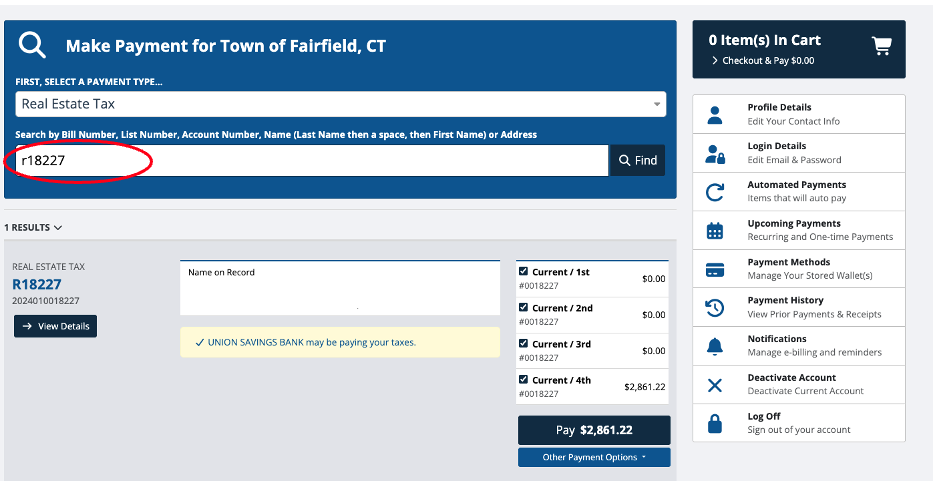
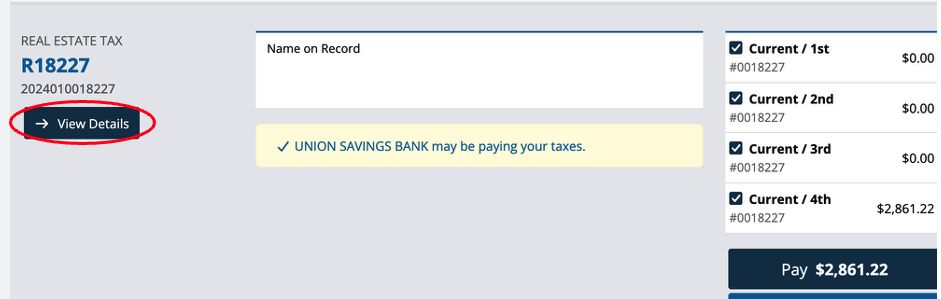
Once your account appears, click “View Details.”
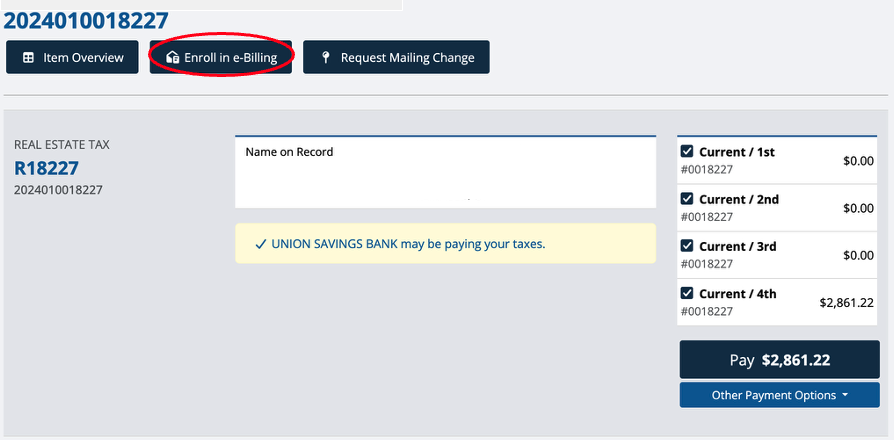
Your account details will load on the screen.
At the top of the page, click “Enroll in e-Billing.”
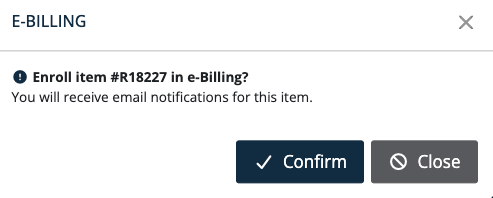
A pop overlay will appear. Click "Confirm."
After enrolling, navigate to the notifications settings.
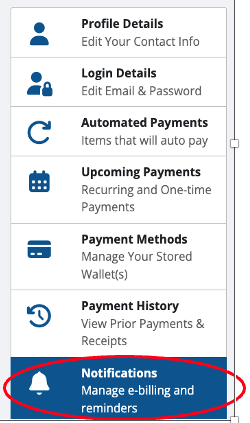
Select and adjust the types of notifications you want to receive, such as:
- Payment reminders
- Balance updates
- Owner changes
- Due date alerts

Make sure to click "Save" before exiting.
Was this article helpful?
That’s Great!
Thank you for your feedback
Sorry! We couldn't be helpful
Thank you for your feedback
Feedback sent
We appreciate your effort and will try to fix the article